


-

Fast Performance
-

Smart Cooling
-

Massive Storage
-

Easy Upgrade
-

Gen4 Speed
-

Compact Design
Still Struggling with Limited Storage?

Running Out of Space
Constantly deleting games to make room for new ones.

Slow Loading & Transfers
Waiting too long for games, apps and large files.

Overheating Concerns
Excessive heat can affect sustained drive performance.

Limited Storage Expansion
Struggling to find a compact upgrade for your setup.


Upgrade Your Setup, Unlock More Possibilities
Give your device a smarter storage upgrade with more space, efficient performance and built-in cooling.
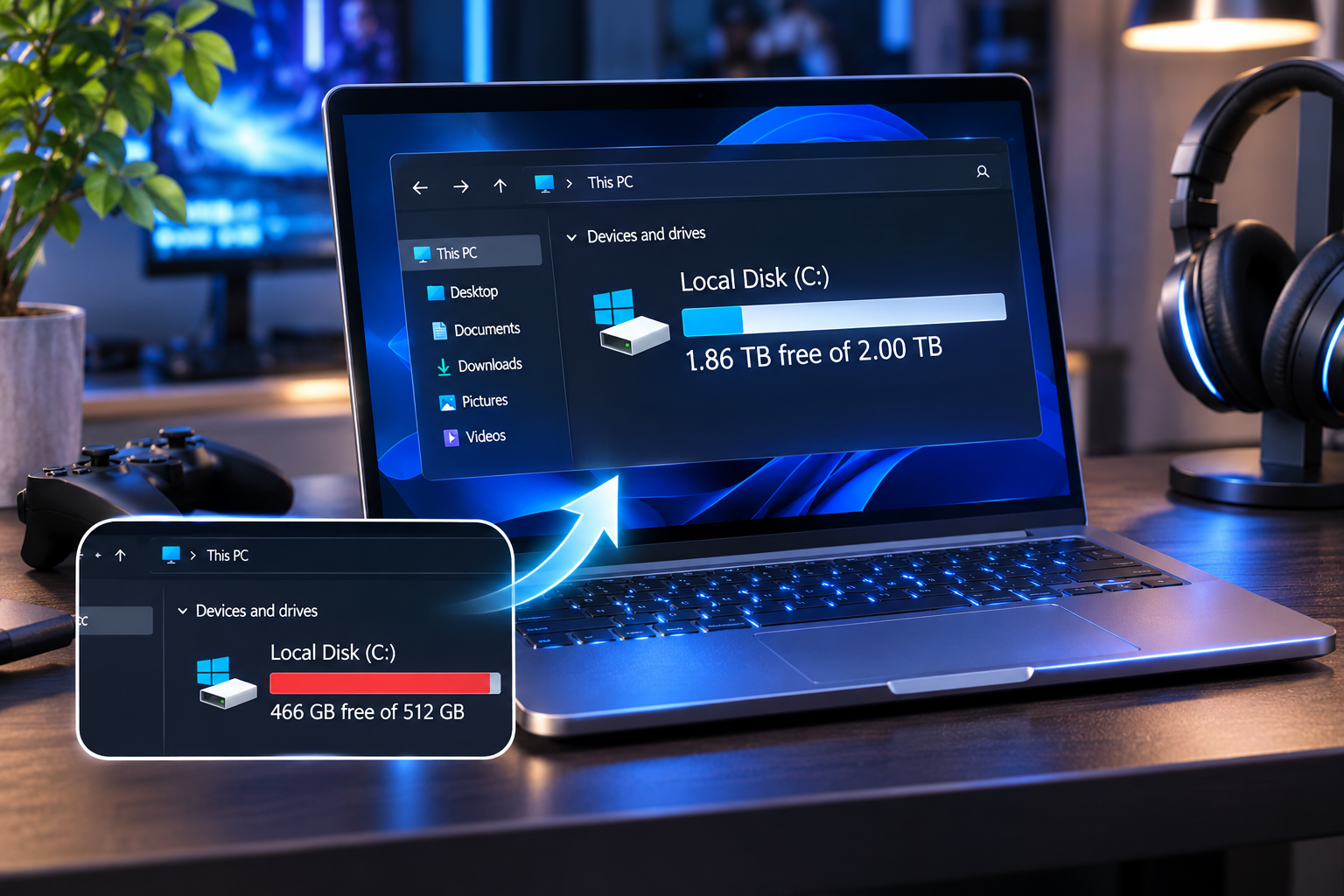


Keep more games, files and applications without constantly deleting old content.
Enjoy responsive storage performance powered by PCIe 4.0 NVMe technology.
The integrated metal heatsink helps dissipate heat during demanding tasks.
Power Up Your Storage. Upgrade Your Experience.
Choose your ideal capacity, enjoy versatile device compatibility and experience smarter cooling with one powerful storage upgrade.
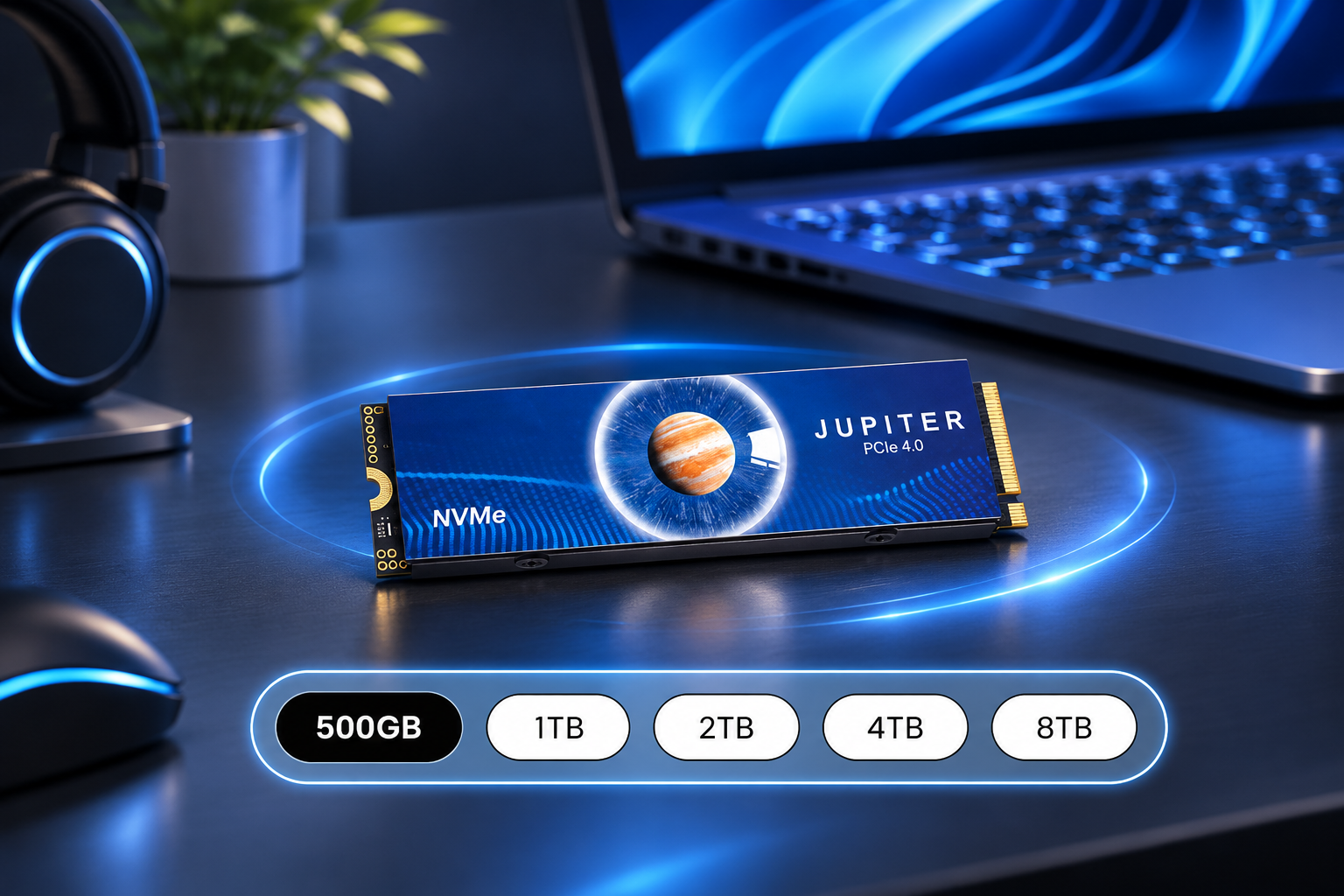
Storage Capacities
Choose from 500GB to 8TB to match your storage needs.

Device Compatibility
Designed for compatible PS5 consoles, desktop PCs and more.

Heatsink Design
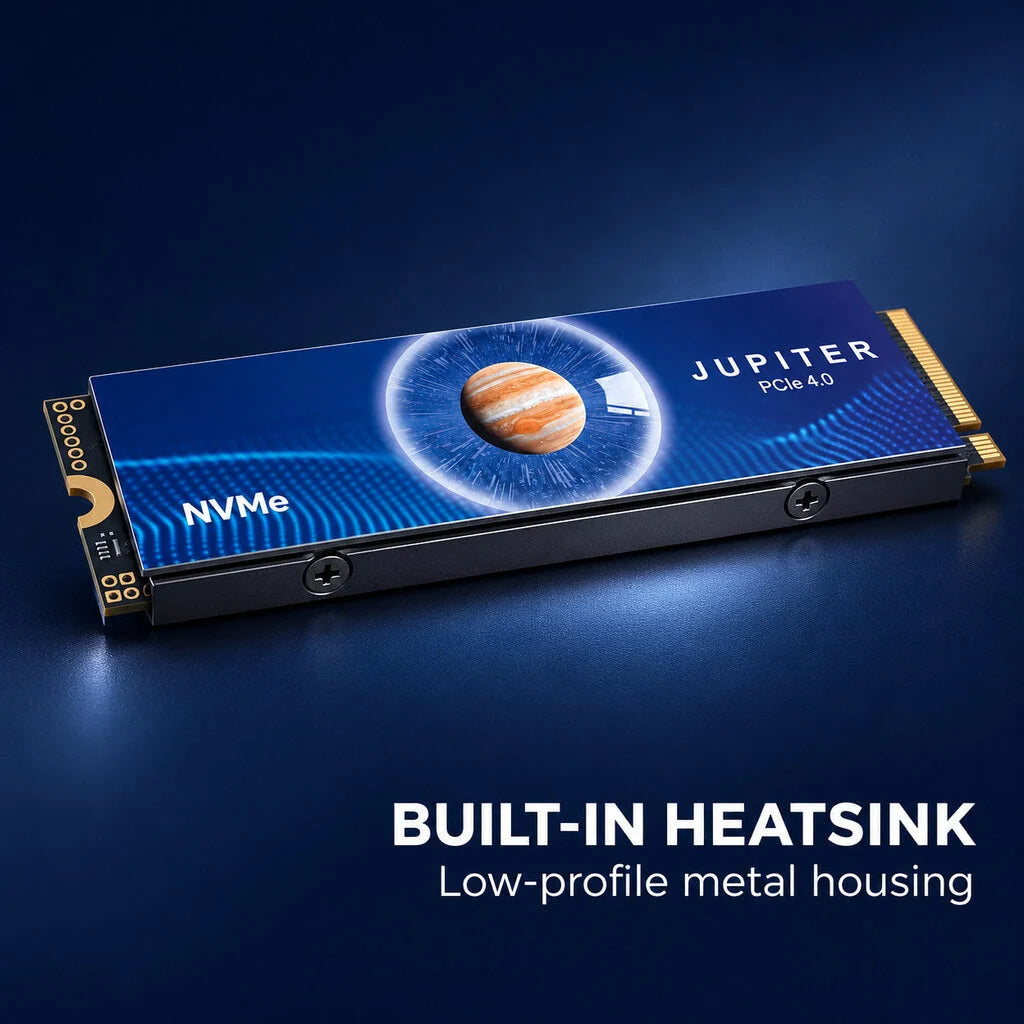
Built-in metal heatsink helps dissipate heat during demanding use.
Storage Capacities
Choose from 500GB to 8TB to match your storage needs.
Device Compatibility
Designed for compatible PS5 consoles, desktop PCs and more.
Heatsink Design
Built-in metal heatsink helps dissipate heat during demanding use.
SPEC
Detailed specs for a confident purchase.
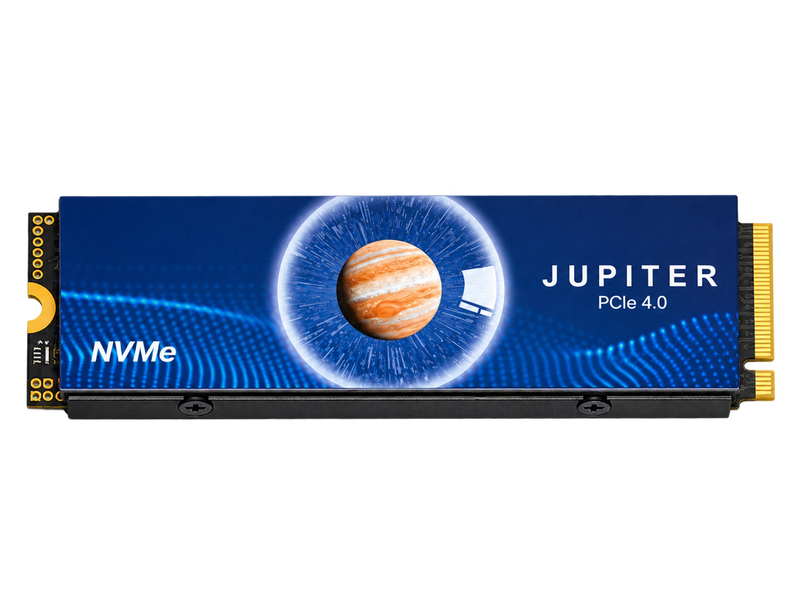
⚡ PCIe 4.0 NVMe Performance
❄️ Built-In Heatsink Cooling
💾 Up to 8TB Storage Capacity
⚡ PCIe 4.0 NVMe Performance
❄️ Built-In Heatsink Cooling
💾 Up to 8TB Storage Capacity
⚡ PCIe 4.0 NVMe Performance
❄️ Built-In Heatsink Cooling
💾 Up to 8TB Storage Capacity
⚡ PCIe 4.0 NVMe Performance
❄️ Built-In Heatsink Cooling
💾 Up to 8TB Storage Capacity
⚡ PCIe 4.0 NVMe Performance
❄️ Built-In Heatsink Cooling
💾 Up to 8TB Storage Capacity
⚡ PCIe 4.0 NVMe Performance
❄️ Built-In Heatsink Cooling
💾 Up to 8TB Storage Capacity
⚡ PCIe 4.0 NVMe Performance
❄️ Built-In Heatsink Cooling
💾 Up to 8TB Storage Capacity
⚡ PCIe 4.0 NVMe Performance
❄️ Built-In Heatsink Cooling
💾 Up to 8TB Storage Capacity
⚡ PCIe 4.0 NVMe Performance
❄️ Built-In Heatsink Cooling
💾 Up to 8TB Storage Capacity
⚡ PCIe 4.0 NVMe Performance
❄️ Built-In Heatsink Cooling
💾 Up to 8TB Storage Capacity
⚡ PCIe 4.0 NVMe Performance
❄️ Built-In Heatsink Cooling
💾 Up to 8TB Storage Capacity
⚡ PCIe 4.0 NVMe Performance
❄️ Built-In Heatsink Cooling
💾 Up to 8TB Storage Capacity
⚡ Next-Level PCIe 4.0 Performance
❄️ Built-In Cooling for Your Storage Setup


⏰Last Day 49% OFF – Jupiter PCIe 4.0 NVMe M.2 SSD with Heatsink.
⏰Last Day 49% OFF – Jupiter PCIe 4.0 NVMe M.2 SSD with Heatsink.
BUNDLE & SAVE
Couldn't load pickup availability
-
Ordered
- - -
Order Ready
- - -
Delivered

⏰Last Day 49% OFF – Jupiter PCIe 4.0 NVMe M.2 SSD with Heatsink.


Risk-Free Purchase, Peace of Mind

60-Day Money-Back Guarantee
Should we not meet your expectations, we offer a full refund within 60 days.

24/7 Quality Customer Service
Our quality customer service team is here to help you 24 hours a day.

Powered by Real Users
Real-user experience drives our development and testing to create the ultimate solution.
Common questions
Before installing
Q: Which type of M.2 slot do I need?
Q: Which type of M.2 slot do I need?
A: Use a PCIe NVMe M-key slot with a mounting point for an M.2 2280 drive.
Q: Why does my device display less space?
Q: Why does my device display less space?
A: Some systems report capacity in binary units. Formatting can also reduce the usable space shown.